
套印檔分類

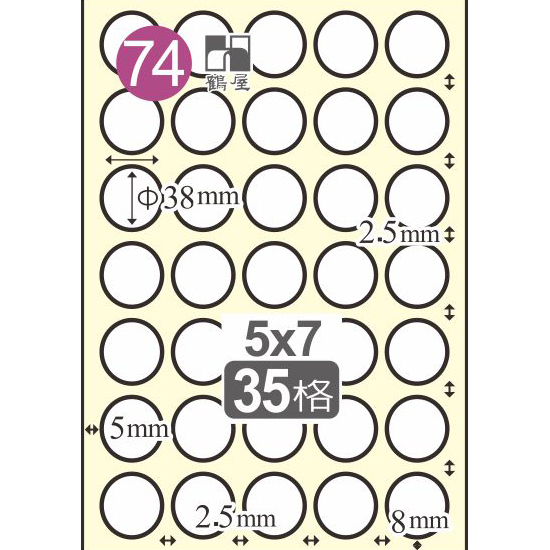
(074)L38
套印說明
***如何去除A4可列印標籤套印檔圓框 for Word 2016***
下載"WORD空白套印檔",開啟若看不到格線, 其WORD各版本檢視格線方式如下:
word2003版--功能列<按> 表格(A) / 顯示格線
word2007版--功能列<按> 格式 / 檢視格線
word2010版--功能列<按> 最右方:版面配置項下的:檢視格線
word2013版--功能列<按> 最右方:版面配置項下的:檢視格線
word2016版--功能列<按> 最右方:版面配置項下的:檢視格線
word365版--功能列<按> 最右方:表格版面配置項下的:檢視格線
相關套印問題, 請參考問答集
可供下載套印檔
共 15 款檔案WORD套印檔-空白
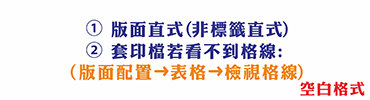
WORD套印檔-空白(將圖檔置入圓形內)
WORD套印檔-範例(數字1)

WORD套印檔-魚

WORD套印檔-蝴蝶

WORD套印檔-耶誕花

WORD套印檔-雪花

WORD套印檔-粉紅花

WORD套印檔-花圈

WORD套印檔-幸運草

WORD套印檔-紅花

WORD套印檔-玫瑰

CorelDraw套印檔(整頁不同標籤)

CorelDraw套印檔(整頁相同標籤)

Adobe Illustrator套印檔